Control context as the work changes
Choose what each prompt and AI output should pay attention to, remove noisy inputs, and keep your thinking aligned as ideas, inputs, and directions evolve.

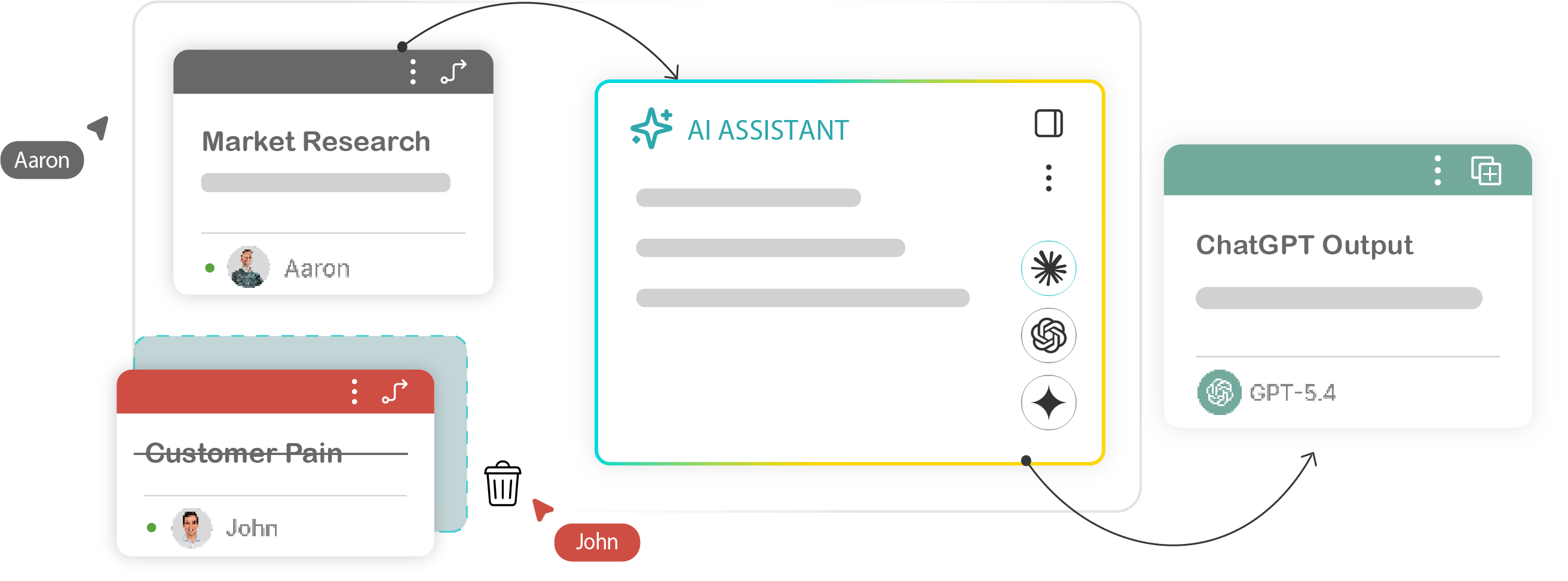
AI output drifts when context gets messy.
Complex work changes as you go. New inputs appear, old ideas become less relevant, and some details matter more than others.

You paste too much context
To avoid missing details, you give the model a long wall of text and hope it figures out what matters.

The model follows the wrong thread
Old ideas, weak directions, and irrelevant notes can shape the answer even when they are no longer useful.

You restart when the work changes
When the output is slightly off, you rewrite the prompt, start a new chat, or rebuild the context somewhere else.
Manage the context behind every output.
illumi lets you see, connect, edit, and remove the inputs that shape each prompt or AI output. Instead of treating context as one big block of text, you can manage it as part of the workflow.
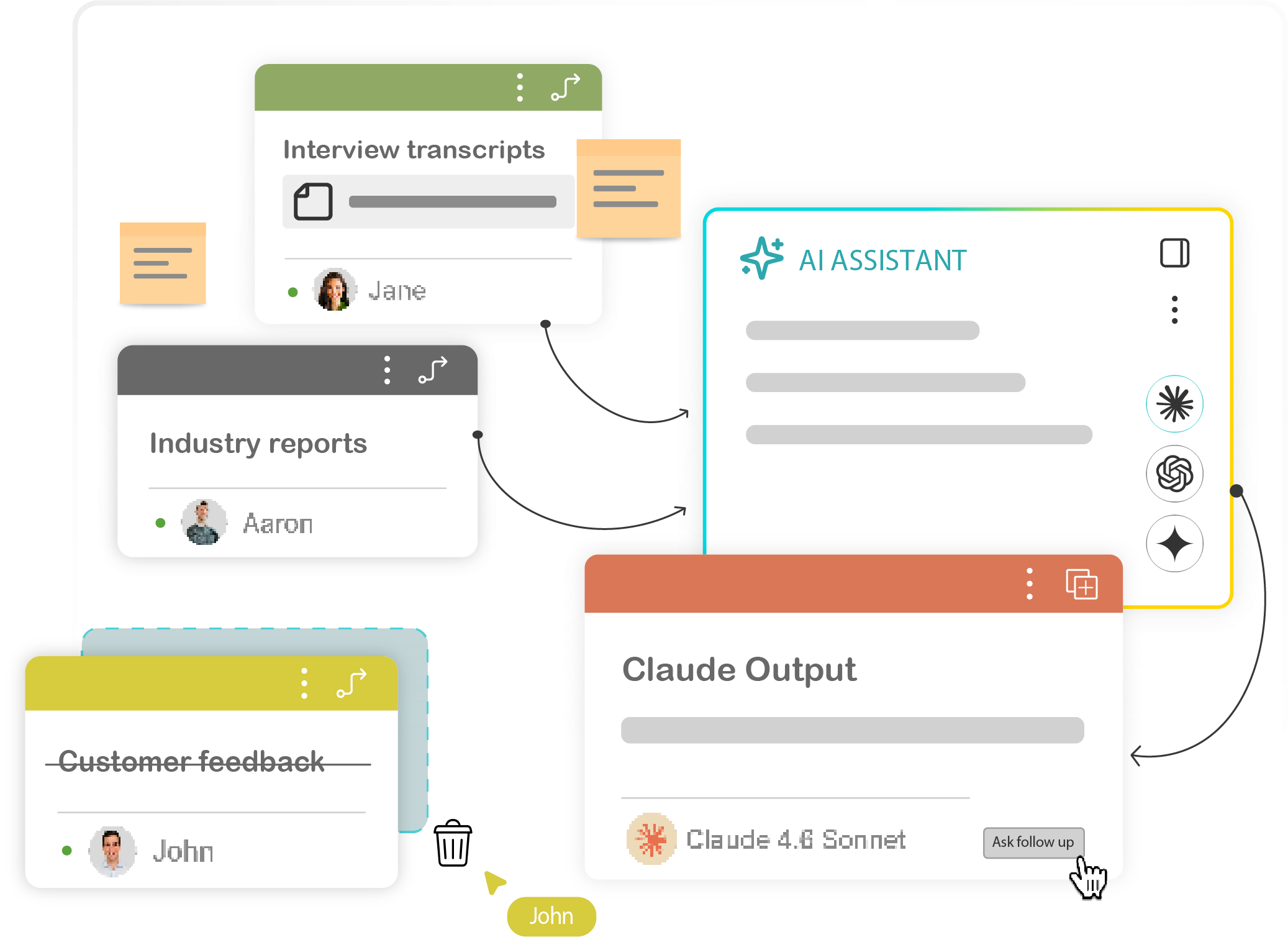
Connect only the inputs that matter
Not every note should influence every output. Select the specific ideas, examples, constraints, or references that should guide a prompt.

Remove noise before it shapes the output
As the work develops, some ideas become irrelevant. Remove weak directions, old assumptions, or noisy notes from the active context so the output does not drift.

Refine without starting over
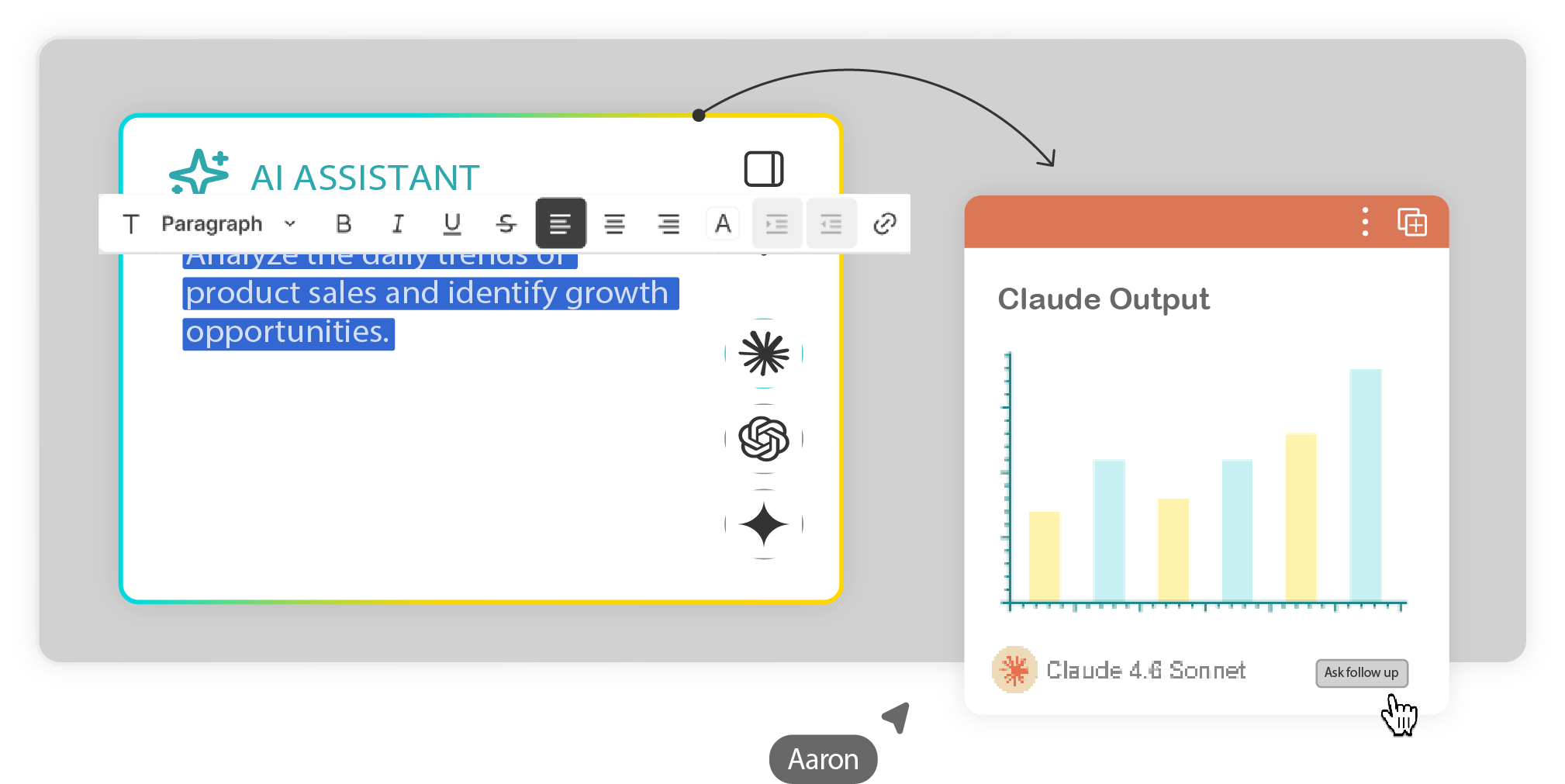
When the output is close but not quite right, you should not have to restart the whole chat. Adjust the context, edit the prompt, and keep building from the same working structure.
What you can do with Context Control

Stop pasting context into every prompt.
Use illumi to manage context visually, so your AI outputs stay aligned as the work changes.
Where context control helps
Use this when the quality of the output depends on the context behind it.

Research synthesis
Keep evidence, quotes, and themes connected to the right interpretation prompts.

Strategy work
Separate current-state context, strategic options, constraints, and recommendations.

GTM planning
Keep customer research, product context, and messaging angles connected.

Client proposals
Use discovery notes, requirements, and examples without rebuilding the brief.

Workshop follow-through
Turn session input into follow-up material without losing the original discussion.

Reusable templates
Save context structures for repeated client workflows.
Build from the right context every time.
Use illumi to keep your notes, prompts, AI outputs, and reasoning connected while the work develops.

© 2026 illumi. All rights reserved.