Turn workshop input into clear next steps
illumi helps you collect session notes, participant input, exercises, prompts, and AI outputs in one workspace, so you can turn the discussion into summaries, action plans, and follow-up material.

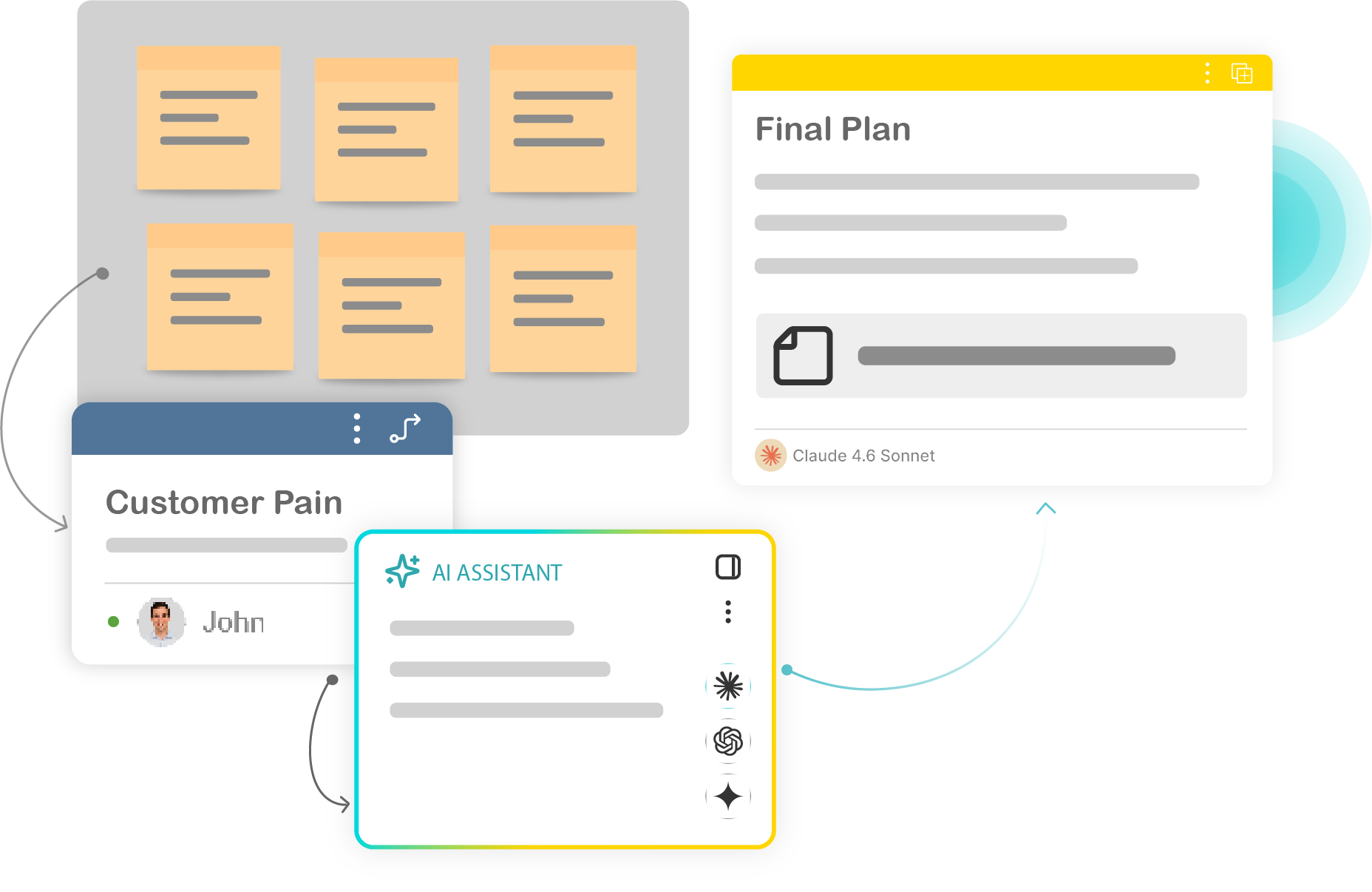
Keep workshop thinking connected after the session ends

Collect participant input
Gather notes, comments, ideas, and feedback from participants or teammates into one workspace.

Structure the discussion
Group session input into themes, priorities, decisions, actions, and open questions.

Turn input into follow-up material
Create summaries, action steps, next-step documents, or client follow-ups without manually rebuilding the session.
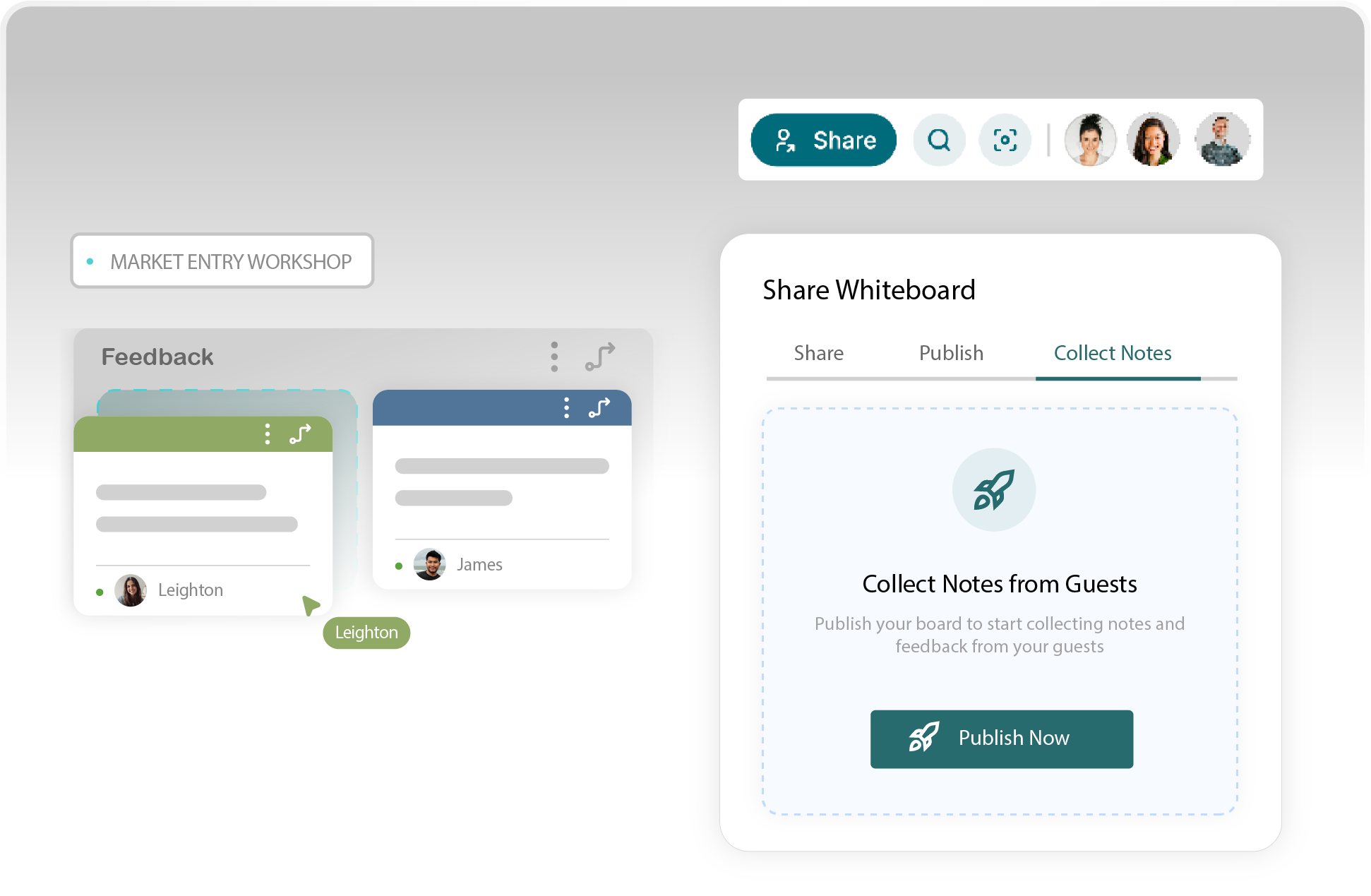
Collect notes from participants
Workshops create better follow-through when participant input is captured clearly. With illumi, people can submit notes, ideas, or feedback through a simple note collection flow. The input can then be sent into the right board or idea pool for review.
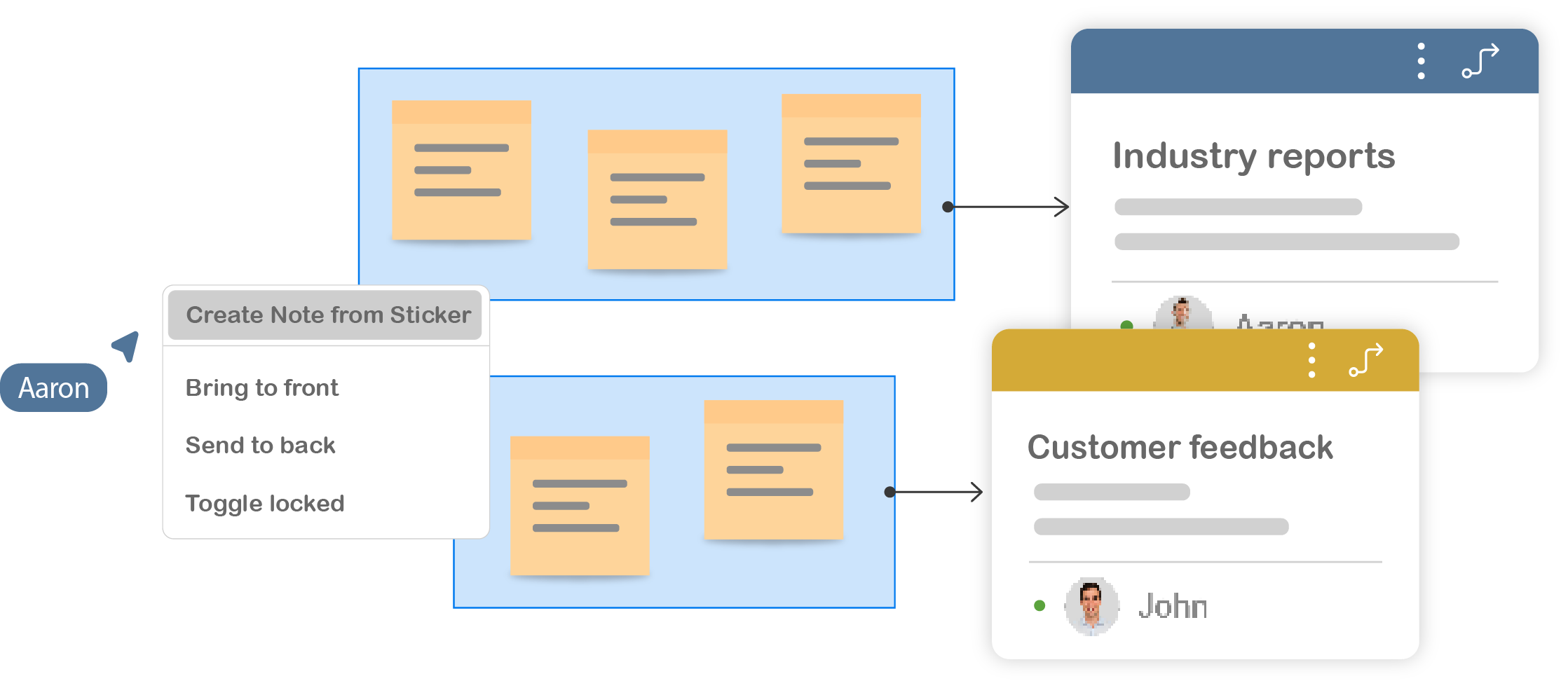
Turn sticky notes into structured notes
Workshop input often starts as sticky notes. That is useful during the session, but hard to turn into follow-up material afterwards. illumi lets you create structured notes from selected sticky notes, so the raw input becomes easier to group, summarise, and refine.
Group input into themes and actions
Once input is collected, the next step is deciding what it means. illumi helps you group participant notes, AI summaries, decisions, and actions into a clear structure.
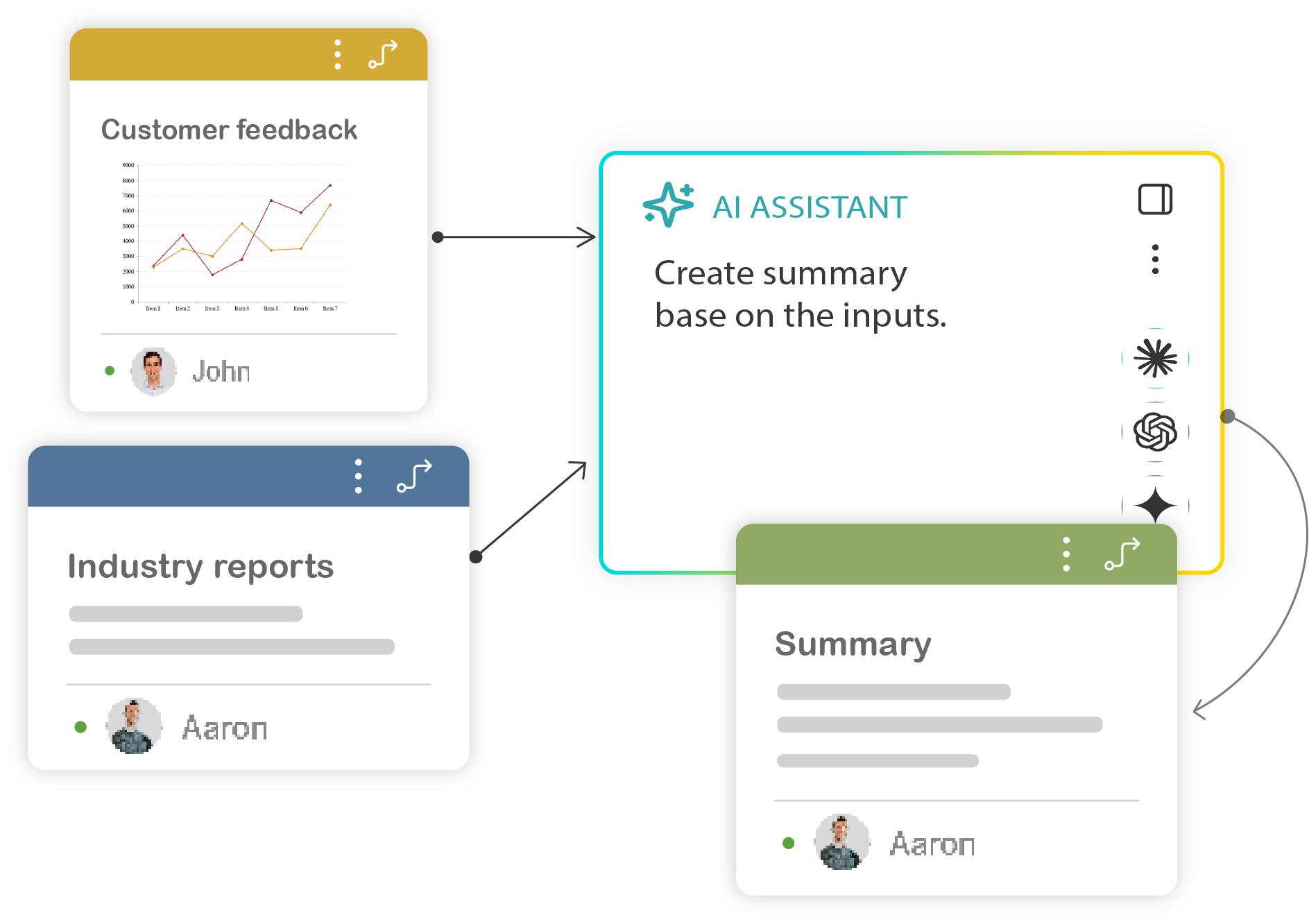
Create follow-up material faster
After the session, the work still needs to become a summary, action plan, client update, or internal next-step document. illumi helps you turn the structured workshop input into follow-up material while keeping the original discussion visible.
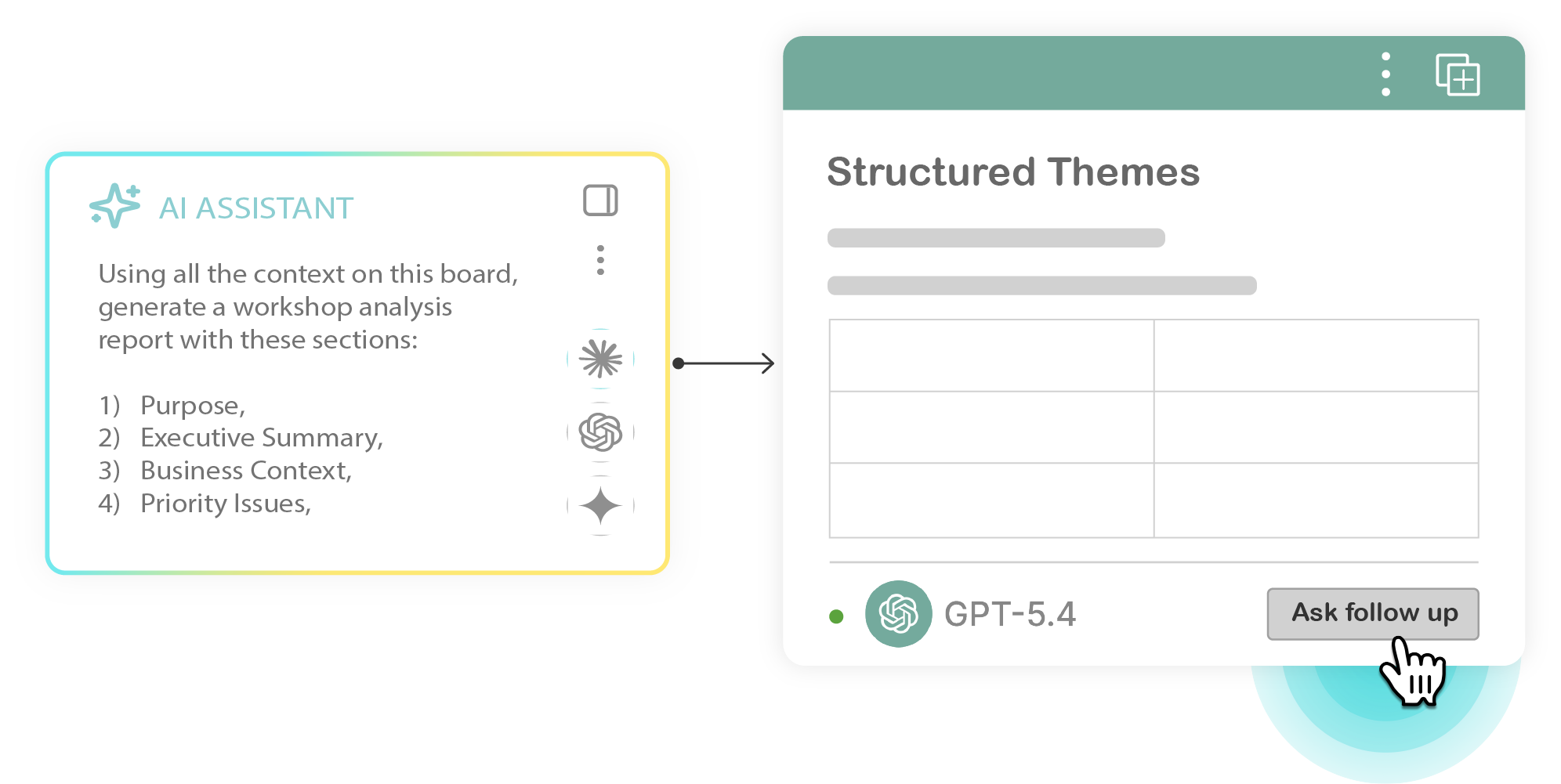
What facilitators can do with illumi
Collect input during the session, structure it afterwards, and turn the discussion into follow-up material.

Note collection
Let participants submit ideas, comments, and feedback into the board.


Sticky note conversion
Create structured notes from selected sticky notes.

Theme grouping
Group input into themes, priorities, decisions, and actions.
Action planning
Turn discussion points into next steps and owners.

Session summaries
Create follow-up summaries from the structured input.

Reusable workshop boards
Save repeated workshop structures for future sessions.

Start with your next workshop.
Use illumi to collect participant input, structure the discussion, and turn the session into clear follow-up material.

© 2026 illumi. All rights reserved.